

Connect with Momentum One
Give your app a character of its own.
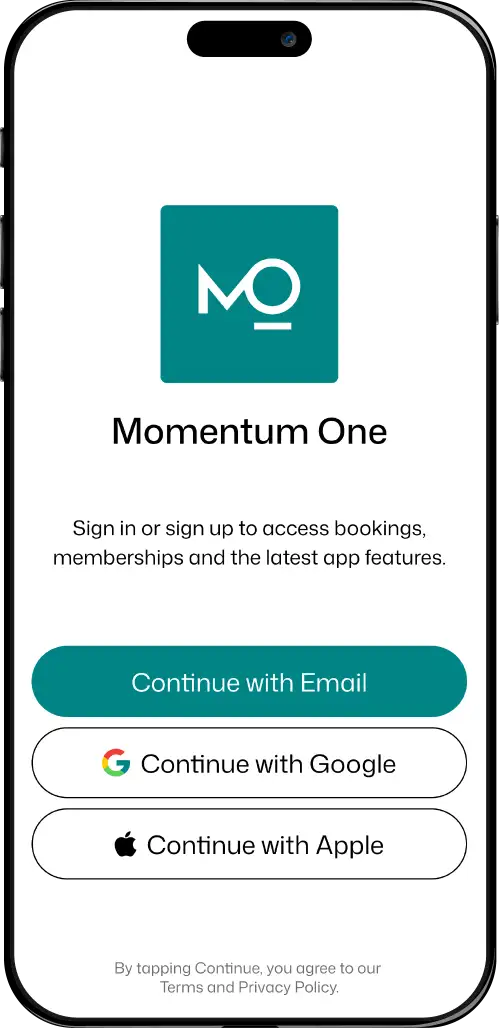
Carry your identity into a dedicated client app. Shape its home, highlight services and give clients a place to book, review memberships and receive useful updates.
Your dedicated branded app is included in Complete.
An app with your identity
Recognisably yours, from the first tap.
Your dedicated app carries your business name, logo and colours. Choose a managed typeface, configure light and dark palettes, and select supported footer icons and label visibility to carry your identity through the experience.
- Dedicated branded client app included
- Managed fonts and light/dark appearance
- Supported menu icons and label display
Your welcome, your priorities
Choose what clients see first.
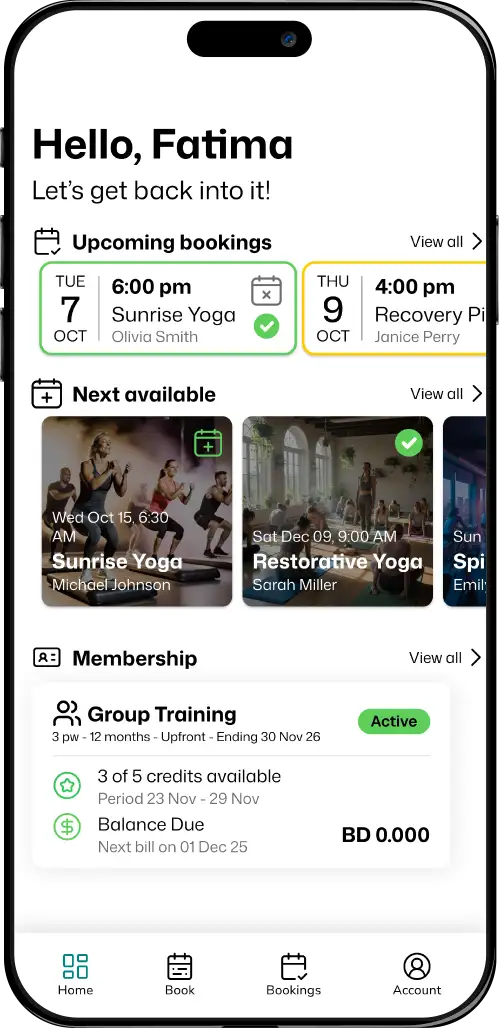
Arrange seven supported Home widgets around your clients. Enable, reorder and configure sections, headings and spacing. Add greetings, dated promotional banners, service categories and trainer profiles alongside bookings and membership information.
- Seven configurable widgets and section headings
- Custom greetings and seasonal welcome messages
- Banners linking to memberships, schedules and more
Find and arrange the next visit
Put everyday actions in clients’ hands.
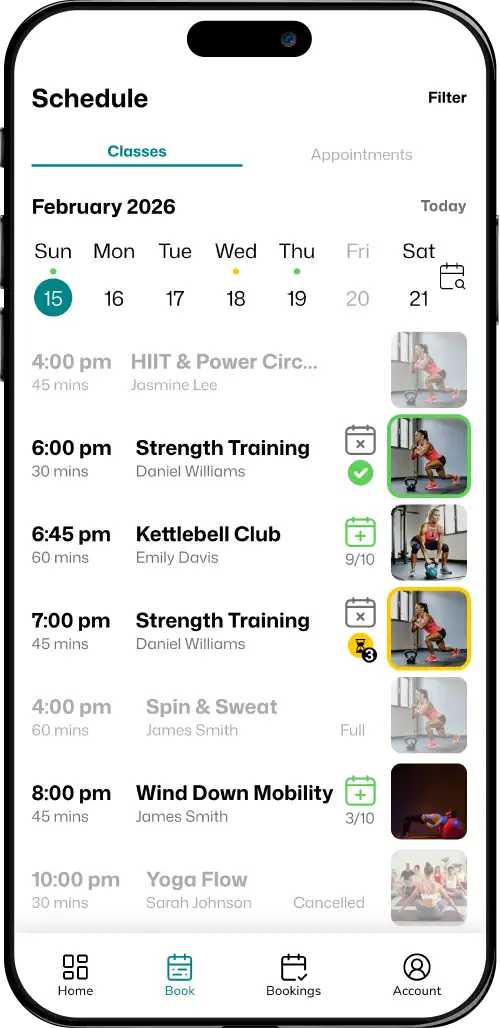
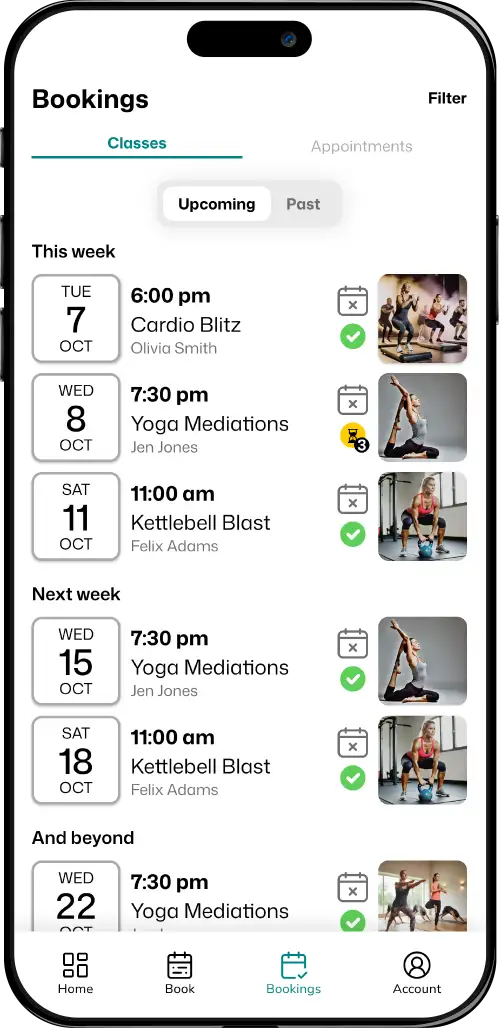
Clients browse sessions, manage bookings, review credits and use eligible payment flows. Enable public schedule browsing for guests. Authorised clients can switch to managed profiles, with each person’s bookings and memberships kept separate.
- Bookings, memberships, credit history and payments
- Guest schedule and optional public trainer browsing
- Authorised profile switching without shared logins
The right update at the right time
Give your news a clear destination.
Write an announcement for all eligible recipients or selected people, then send it now or schedule it. Review the send summary and history. System notifications cover booking reminders, waitlist promotion, membership expiry and payment outcomes.
- Immediate or scheduled custom announcements
- Selected audiences, send summaries and history
- Push and in-app updates with client preferences
Connected in practice
What happens next?
A banner can lead a client to a membership or today’s schedule. The destination still applies the same access, booking and payment rules as the rest of the app.
Explore the membership offer →What can we customise?
Arrange the seven Home widgets, their order, headings and settings. Choose your colours, a managed font, supported menu icons and label visibility to carry your business identity through the app.
Can we schedule seasonal greetings and promotions?
Yes. Give greetings, welcome messages and banners their own date ranges. Add a client’s first name to a greeting, and link banners to memberships, schedules, trainer profiles or supported external destinations.
Can prospects browse before signing in?
Yes. Enable guest browsing for public sessions and trainer profiles. Clients sign in to book, manage memberships and make payments.
Your way forward
See your priorities on the home screen.
Explore the supported widgets, visual settings and client actions that fit your business.